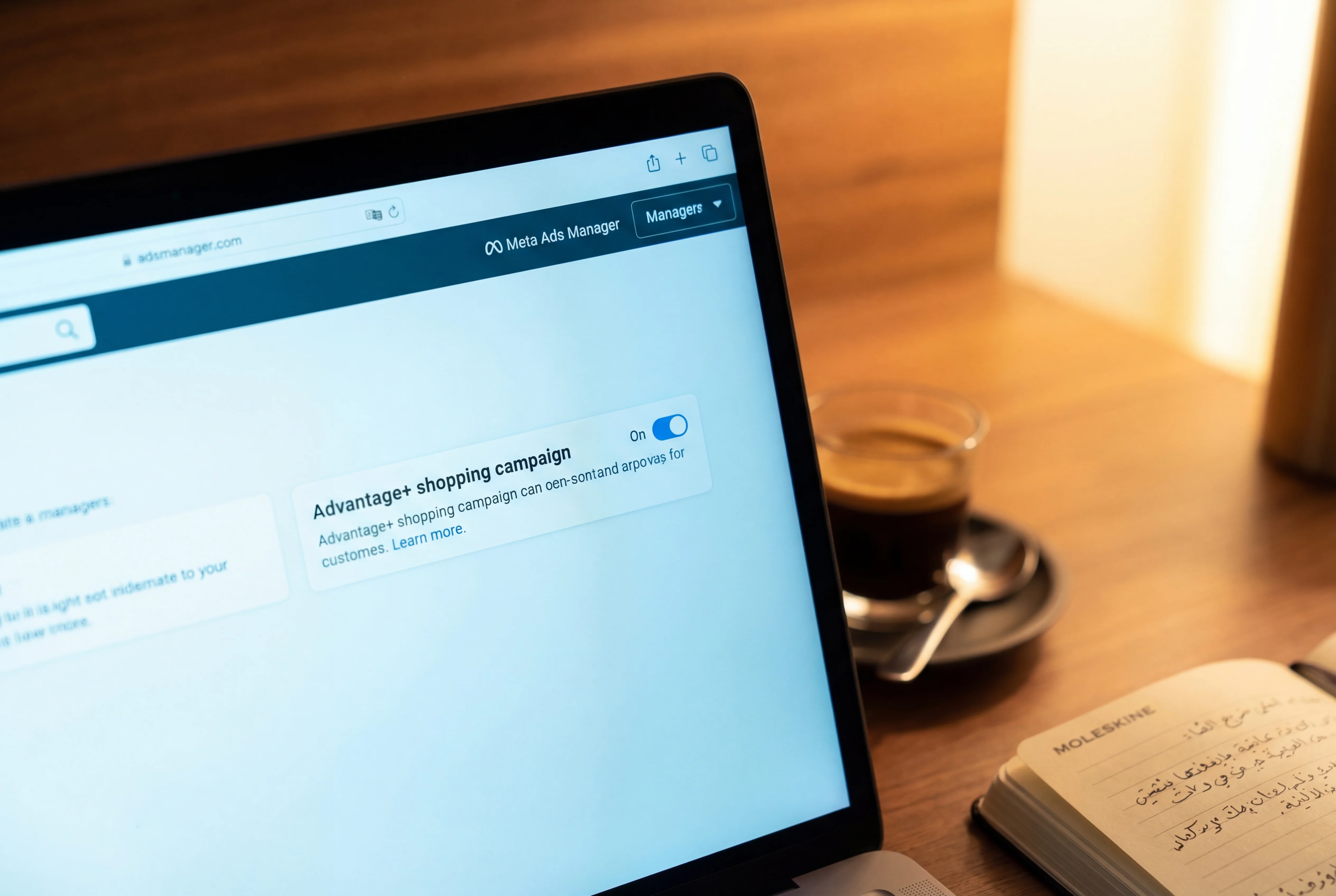
Meta's Advantage+ Shopping Campaigns — ASC for short — are the platform's AI-driven campaign type for e-commerce. Instead of you choosing audiences, placements, and bid strategies, the algorithm does it. It tests your creative across Facebook, Instagram, Messenger, and Audience Network, finds the people most likely to buy, and allocates your budget automatically.
ASC works. For most Shopify stores with decent creative and correct tracking, it outperforms manually configured campaigns. Not sometimes — consistently.
The catch: it only works if you leave the defaults alone. And most agencies don't.
Why ASC outperforms manual campaigns
Traditional Meta campaigns require the advertiser — or their agency — to make dozens of decisions: which audiences to target, which placements to use, how to split the budget between ad sets, when to scale up or pull back. Every one of these decisions is a guess, informed by limited data.
ASC removes most of those decisions. The algorithm has access to conversion signals across millions of stores and billions of user interactions. It knows more about who is likely to buy from a Shopify store than any agency working with a few hundred conversions per month.
Meta found that removing detailed targeting constraints lowered the median cost per conversion by over 20%. That's not an anecdotal result — it's the platform's own finding across its entire advertiser base. The algorithm is better at finding buyers than your agency is, because it has incomparably more data.
This is uncomfortable for agencies. If the algorithm handles targeting, placement, and budget allocation, the agency's traditional scope of work — segmenting audiences, managing placements, tweaking bids — becomes unnecessary. Some agencies adapt and focus on creative strategy and measurement. Others override ASC's defaults to preserve their role.
How ASC actually works
When you create an ASC campaign, you provide three things: your budget, your creative (images and videos), and your product catalog. The system does the rest.
ASC can handle up to 150 creative combinations — up to 50 per ad set. It automatically tests which creative resonates with which audiences, on which placements, at which times. A 2025 update allows the system to shift up to 20% of budget from underperforming ad sets to outperforming ones, further reducing the need for manual intervention.
The algorithm optimizes toward a single goal: maximizing purchase conversions within your budget. It doesn't need your guidance on who to target. In fact, Meta has systematically removed manual targeting controls from ASC, finding that every constraint advertisers add makes performance worse.
Meta also introduced an Opportunity Score — a rating from 0 to 100 — that evaluates your campaign setup across creative variety, signal quality, and audience breadth. This is a diagnostic tool worth checking: if your score is low, the system is telling you it's being constrained.
The one setting that matters most
Open your Meta Ads Manager. Go to Ad Account Settings. Look for "Existing Customers."
This is the single most important ASC configuration, and it's the one almost everyone gets wrong.
"Existing Customers" tells Meta's algorithm who has already bought from you. ASC uses this definition to separate its reporting into new customers vs. existing customers, and to control how much budget it spends on people who have already bought from you (the "existing customer budget cap").
Here's the mistake: most merchants — and most agencies — define "Existing Customers" using website visitor audiences or engagement audiences. These are people who visited your site or interacted with your social content. They are not your customers. They're your audience.
Your existing customers are people who have actually purchased from you. The correct definition uses two sources: a customer data list uploaded from your Shopify customer export (purchasers only), and a website custom audience based on the Purchase event.
How to fix it right now:
- Open Meta Ads Manager
- Go to Ad Account Settings (gear icon, bottom left)
- Click "Existing Customers" under Audience Controls
- Remove any website visitor audiences or engagement audiences
- Add: your Shopify customer list (export from Shopify → Customers → filter by "Has ordered" → export CSV → upload to Meta)
- Add: a Website Custom Audience based on the Purchase event (create this in Meta's Audience Manager if you don't have one)
- Save
Do this before you change anything else about your Meta campaigns.
What your agency is probably doing wrong
The most common way agencies degrade ASC performance is by overriding defaults to create the appearance of sophisticated management:
Segmenting audiences manually. They create separate campaigns for prospecting and retargeting, or separate ad sets for different interest groups. This fragments the data that ASC needs to optimize. One consolidated campaign with sufficient budget gives the algorithm more signal than five fragmented campaigns fighting each other.
Editing campaigns during the learning phase. Every time someone changes the budget, creative, or targeting on an ASC campaign, the algorithm re-enters its learning phase — typically 50 conversion events before it stabilizes. Agencies that make daily tweaks keep the campaign permanently in learning mode, which is the worst possible state for performance.
Mixing ASC with manual campaigns targeting the same audiences. Running an ASC campaign alongside a manual campaign aimed at the same market creates an internal auction where you're bidding against yourself. Either commit to ASC or use manual campaigns, but don't overlap them.
Ignoring creative quality and refreshes. Because the algorithm handles targeting, the creative you feed it is the primary lever you control. Video outperforms static images on Meta. User-generated content outperforms polished brand content in most e-commerce categories. Creative lifespan is roughly 21 days before fatigue sets in — plan for 2-4 refreshes per month.
When ASC doesn't work
ASC is not always the right choice. Be honest about the conditions:
Low conversion volume. ASC needs data to learn. If your store generates fewer than 100 purchases per week, the algorithm may not have enough signal to optimize effectively. Below 50 conversion events per campaign, it's essentially guessing. In this case, a well-structured manual campaign with broader targeting may perform better until your volume grows.
Very niche or specialized products. If you're selling industrial equipment or B2B supplies through Shopify, the algorithm's consumer-focused optimization may not find your buyers efficiently. ASC is built for consumer e-commerce.
Brand-new stores with no data. ASC performs best when there's historical conversion data to learn from. A store with zero purchases has nothing for the algorithm to train on. Start with manual campaigns, build up 50-100 conversions, then switch to ASC.
Terrible tracking. ASC's optimization depends on receiving accurate conversion signals. If your Meta Conversions API is misconfigured or not running at all, the algorithm is optimizing based on incomplete data. Fix your tracking first — read Your Shopify tracking is probably broken — then launch ASC.
The setup checklist
Before you launch or evaluate an ASC campaign, verify these:
- Existing Customers is defined correctly (purchasers only, not visitors)
- Meta Conversions API is active with "Maximum" data sharing enabled in your Shopify Facebook & Instagram app
- You have at least 50 conversion events per week (if not, consider waiting)
- You're running one ASC campaign, not multiple fragmented ones
- Your creative mix includes video (not just static images)
- You've uploaded a customer list from Shopify (actual purchasers)
- You haven't edited the campaign in the last 7 days (learning phase needs stability)
- Your Opportunity Score is visible and you've reviewed the recommendations